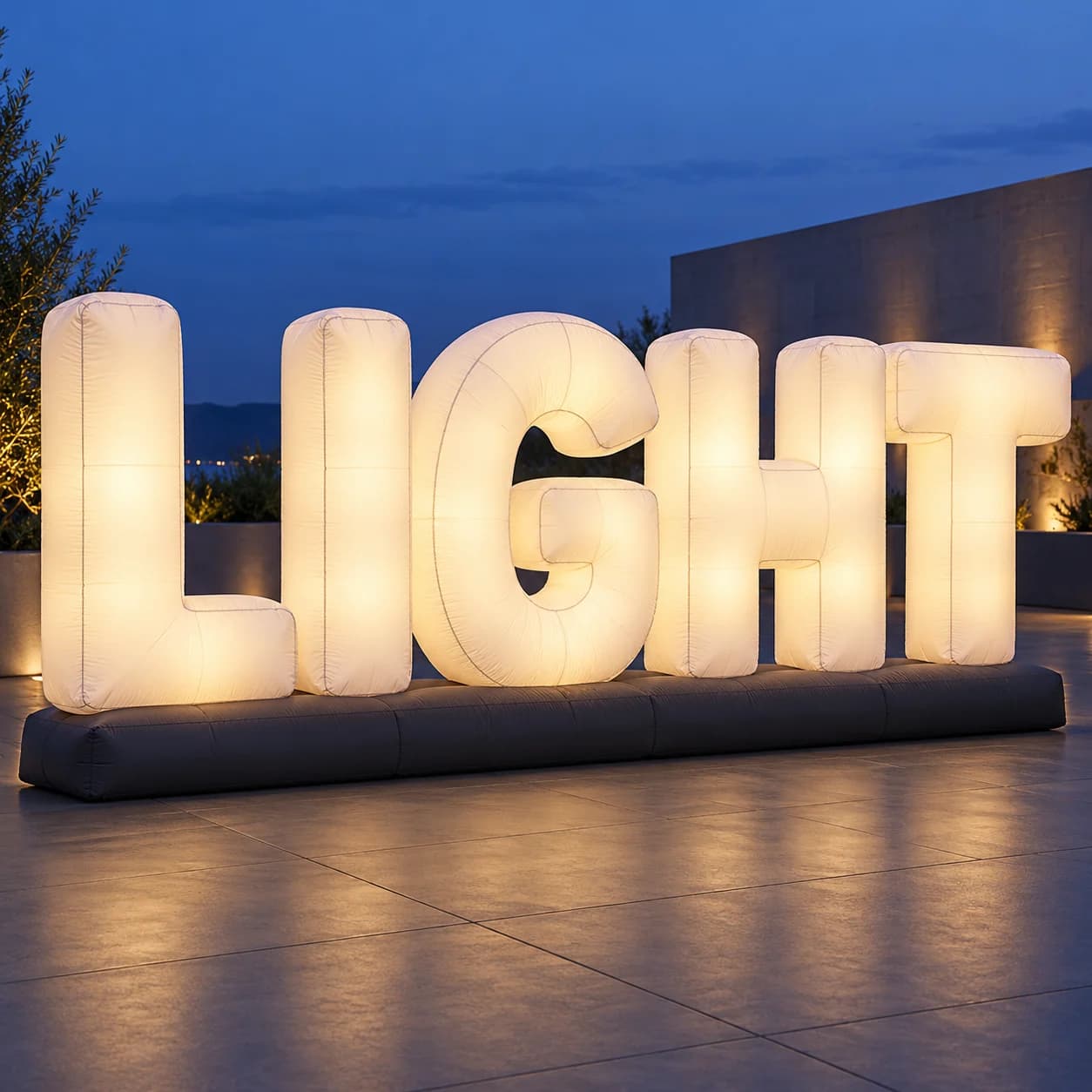
LED Inflatable Letters: How to Approve Brightness, Color and Camera Appearance
Published
Letter display procurement guide
Approve a named configuration under representative viewing conditions.
Quick buyer answer
Approve the letter shape and lighting configuration separately, then review the same build in representative ambient light and with the cameras intended for the event. A dark-room photograph, render or phone preview cannot establish repeatable brightness, color or flicker-free footage. Agree the evidence and decision owner before production.
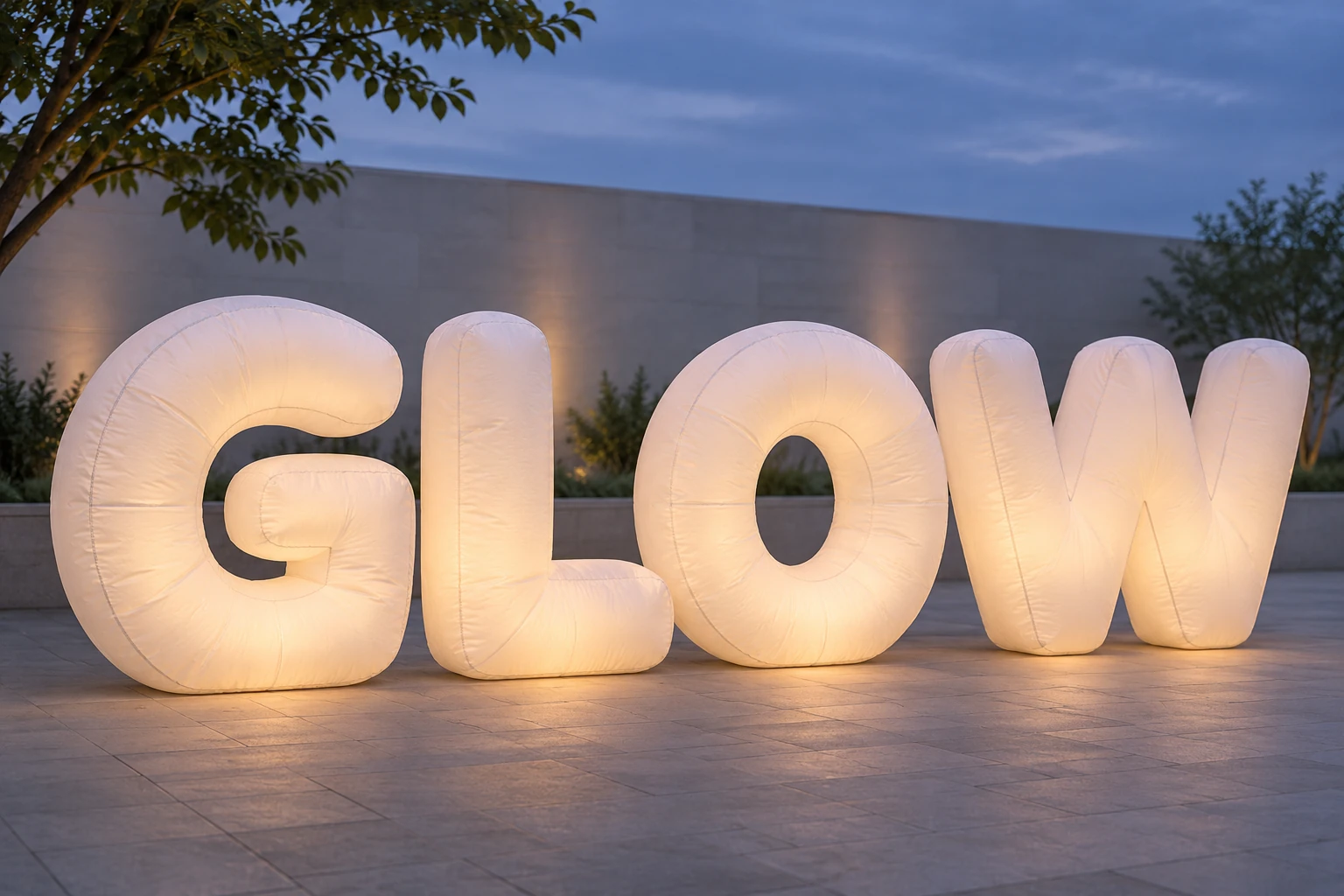
Buying light-up inflatable letters involves more than choosing a word and an LED color. The agency may need the logo readable in afternoon light, the venue may expect a soft evening glow, and the production crew may need clean footage. Those are three different acceptance questions.
This guide focuses on approving appearance, not sizing a display or designing its electrical installation. Start with the inflatable letters and logo signs range and the LED letter project direction, then add the acceptance requirements below to the quotation. Illustrations show planning situations, not completed customer installations or measured test results.
1. Choose the acceptance priority before choosing an effect
List where the letters will be seen and what must work in each setting. A sign that looks bright in a dark room may be visually weak beside a lit shopfront. An attractive close-up does not prove that the full word will read from the audience position.
| Priority | Evidence to request | Decision to record |
|---|---|---|
| Daylight recognition | Full word with lights off and on, in representative ambient light | Are the outline and brand details legible? |
| Evening illuminated appearance | Full word and letter-face views with the intended surrounding lights | Is the agreed glow balanced without distracting bright areas? |
| Photography and video | Original recorded files at the production team’s intended settings | Does this configuration give acceptable color, detail and temporal behavior? |
If more than one priority matters, retain separate approvals. Do not let a pleasing night image replace the daylight review. For footprint, spacing and letter configuration, use the letter size and shape guide rather than treating lighting as a solution to a poor viewing layout.
2. Record the scene, not just “bright enough”
Send photographs of the intended location with normal venue lighting in use. Identify nearby video screens, decorative lights and stage fixtures, along with the main audience and camera positions. Specify whether the display needs one steady look or several modes throughout the event.
- Use the same proposed unit, letter spacing and operating configuration across comparison views.
- Include front and oblique views of the complete word, then close-ups of letter faces and joins.
- Name the lighting conditions: daylight, venue lights on, dusk or the planned show scene.
- Keep the unedited source files and record any exposure or white-balance changes between takes.
Where a measurable brightness requirement is necessary, agree the metric, measurement position, instrument and acceptance method with the relevant specialist. This guide does not supply a universal lumen, lux or color-temperature target. “More powerful LEDs” alone does not define the finished fabric display’s appearance.
3. Separate printed color, fabric color and emitted light
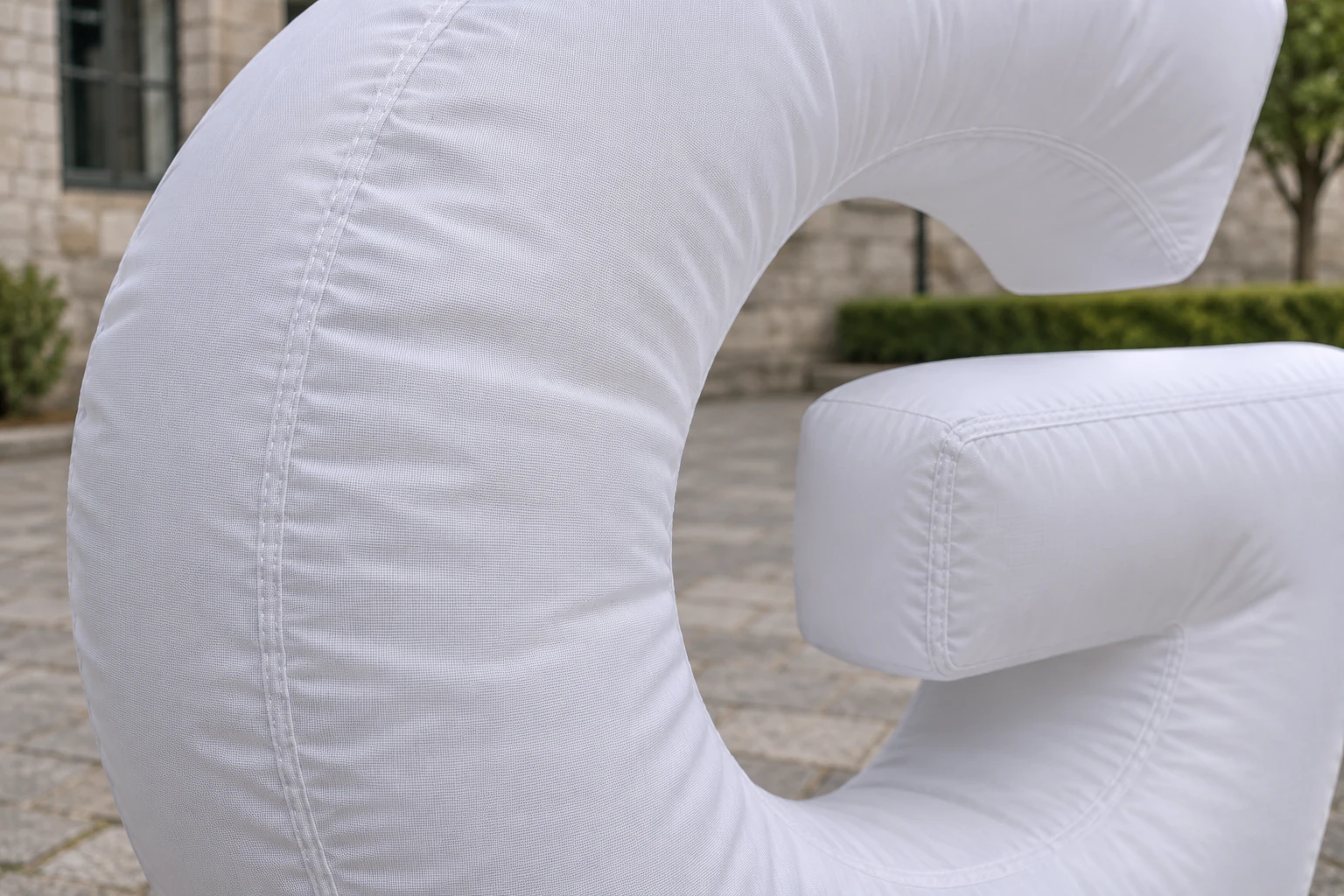
A reflective printed surface and an internally illuminated surface are not the same color reference. Fabric, print coverage, light transmission, internal illumination and ambient light contribute to the appearance. A brand swatch can guide a discussion, but it does not guarantee the same perceived color with the lights off, on, or recorded by a camera.
Where brand color is important, agree a physical reference and a representative material or build sample. Identify whether the approval concerns the unlit print, the illuminated face, or both. Review under the intended conditions and record who accepts any difference. Screen images are useful for communication, not a replacement for that agreement.
Pantone’s lighting-indicator guidance provides background on the importance of viewing illumination in color evaluation. It is not a requirement to make every luminous display match a reflective reference under every light. Avoid approving a color from a heavily edited promotional photograph.
4. Freeze the quoted lighting configuration
Ask what “LED included” means for this order. Identify the proposed light source, driver or control equipment, power supply, connectors, operating modes and access arrangements. Dimming, color changes, remote control and show-control integration should be written options, not assumptions.
- Which modes and adjustment ranges are included in the quoted build?
- Which controller and power-supply models will accompany the letters?
- Will the approved effect be reproduced across every character and replacement unit?
- Who sets up, operates and integrates the lighting at the venue?
- What happens to the approval if a component, fabric, print or control mode changes?
Request a revised review when a change could alter appearance. Lighting approval does not certify the installation or electrical system. Have the appropriate contractor review the exact equipment, supply, connections and venue requirements. Do not modify drivers, wiring or internal components to address a visual issue yourself. For outdoor projects, separately review weather exposure and installation questions; an appearance check does not establish a weather rating.
5. Check the recorded camera file, not only the live preview
LED illumination and camera capture can interact in ways that produce visible banding or flicker in a recording even when the scene appears acceptable to a viewer. Results depend on the light’s operating behavior and the camera’s recording settings. Passing one phone test does not prove performance on every camera or mode.
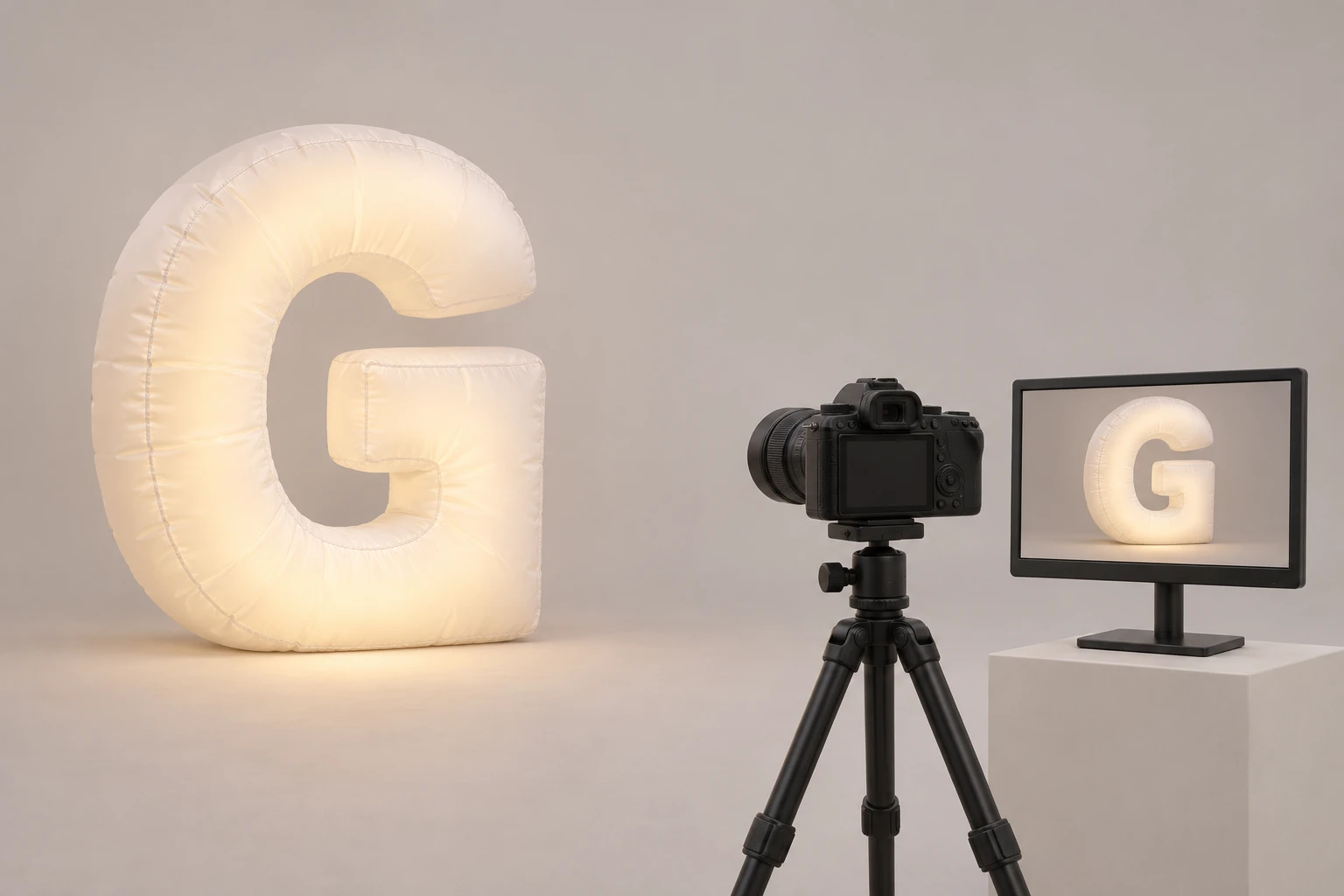
Ask the production team which camera, frame rate, shutter setting and lighting mode will actually be used. Record a representative clip with those settings, including any planned dimmed state, slow-motion recording or changing-light sequence. Review the original file on the intended playback workflow, not only the small camera preview or a compressed messaging-app copy.
Sony’s camera-flicker guidance explains that corrective options are camera- and condition-dependent. Ask the camera operator and lighting supplier to agree a compatible configuration; do not promise that one shutter value or an “anti-flicker” label will solve every setup.
If a problem appears, record the affected mode and settings and request a controlled comparison. Change one agreed variable at a time, retain both clips, and repeat the final check after the selected correction. Do not present an edited or simulated “clean” clip as proof of the supplied build.
6. Use one acceptance record for the whole approval pack
An approval message should identify what was reviewed and what remains open. Use the following fields in a shared document or the order’s inspection checklist. They are a record structure, not a completed test certificate.
| Record field | What to include |
|---|---|
| Unit and revision | Wordmark, drawing revision, size, material/print reference and unit identifier |
| Lighting configuration | Named equipment, mode and adjustment setting used for the review |
| Scene and positions | Ambient lighting, letter arrangement, audience and camera positions |
| Camera evidence | Camera identification, recording settings, original file name and review date |
| Observation and decision | Specific visible issue or accepted appearance; name the decision owner |
| Follow-up | Agreed corrective action, responsible person, deadline and repeat evidence required |
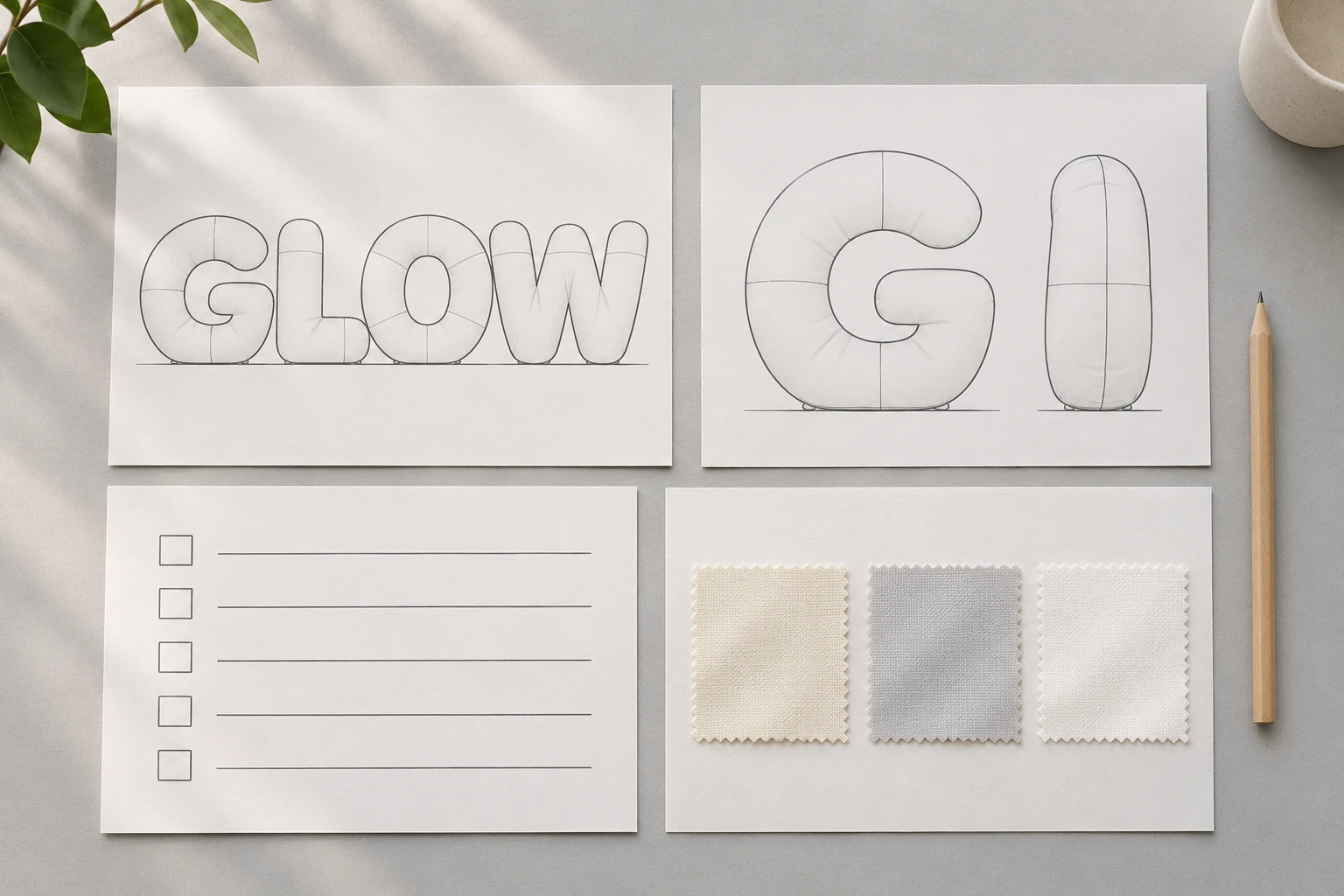
Keep the complete-word image, letter-face close-up, oblique view and original video together. Ask whether the evidence shows the actual ordered unit, a representative sample or only a design proposal. Label those distinctions in the acceptance record and agree any inspection exclusions before dispatch.
A mockup can approve shape and intended visual direction before a physical build exists. Later production evidence must be traceable to the agreed configuration. Approval of a rendering is not approval of electrical performance, real-world color or final workmanship.
7. Send a quote brief that includes the acceptance work
Use this short brief when contacting InflatCustom: “We need inflatable letters for [word or artwork], with [dimensions and quantity], at [venue and destination]. The important views are [daylight, night, camera use]. Please identify the proposed lighting equipment, included modes, sample scope and pre-shipment appearance evidence. Our production team will confirm the camera settings and the person responsible for approval.”
Replace the bracketed fields with your project details before sending. Include the event date and any required documents. Ask for the cost and schedule of samples, recordings or third-party inspection rather than assuming these are included. The quote should distinguish the product and equipment from installation, programming, photography and acceptance services.
For arranging guests, branding and camera viewpoints, see the inflatable logo photo-zone guide. This article adds a configuration-specific acceptance record to that composition planning; neither a page nor an illustration certifies a particular build.
Quick buyer checklist
Related letter-display planning guides
- Explore inflatable letters and logo signs
- Specify an LED inflatable letter project
- Plan the branding and camera composition
- Choose size and shape for the venue
Frequently asked questions
Can the daylight and night colors match exactly?
Do not assume an exact match. Reflective print, fabric and emitted light behave differently. Agree which appearance is being approved, the viewing conditions and a suitable physical reference or sample.
Is a phone video enough to approve LED inflatable letters?
It can document a preliminary review, but it does not establish performance for a different camera, recording mode or venue. Where filming matters, test the intended camera and settings and review the original recorded file.
Can LED inflatable letters flicker on camera?
Visible flicker or banding can occur depending on the lighting and camera combination. Review the exact equipment, operating mode and recording settings rather than assuming all LED displays are flicker-free.
What evidence should be agreed before shipment?
Agree full-word, face and oblique views plus original video where required. Identify the unit, configuration, scene, camera settings, decision owner and any remaining corrections. Confirm what inspection is included in the order.
Does approving the appearance confirm electrical or outdoor safety?
No. Appearance acceptance is separate from electrical suitability, venue installation, weather exposure and any required compliance documents. Those need review for the actual proposed equipment and site.
Brief your LED letter approval
Send the artwork, dimensions, quantity, venue lighting, camera requirements, event date and destination. Ask for the proposed configuration and the sample or inspection evidence to be included in the quotation.
Send Quote Request